Content intelligence
AI-assisted questions, answers, explanations, editorial QA, and history-aware variation.
Quiz video production studio
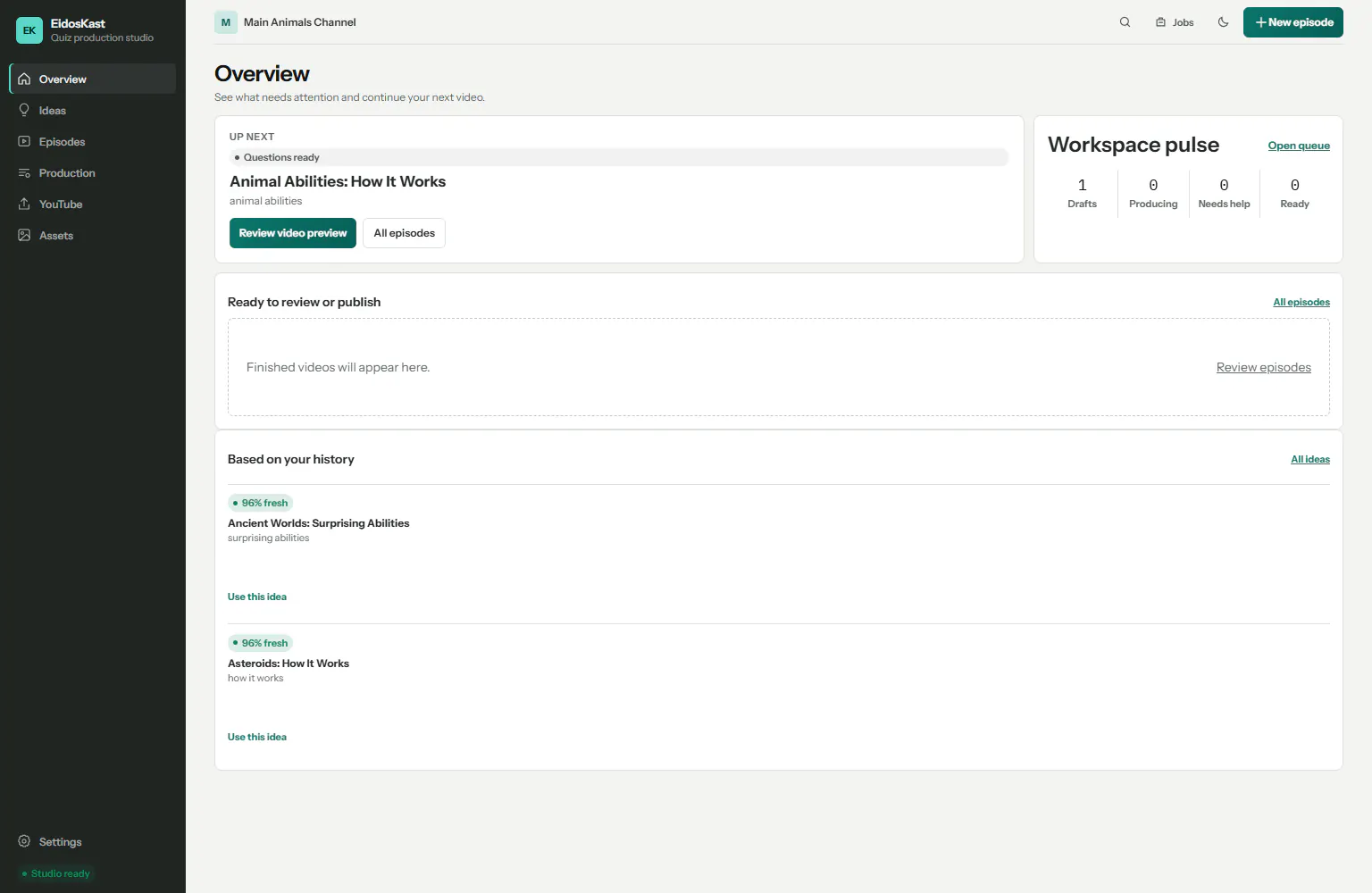
From a topic to a complete quiz episode.
EidosKast guides the entire production: generate and review the quiz, build animated scenes, mix kid-friendly narration and audio, render locally, then approve a publishing-ready package.
Read the complete guide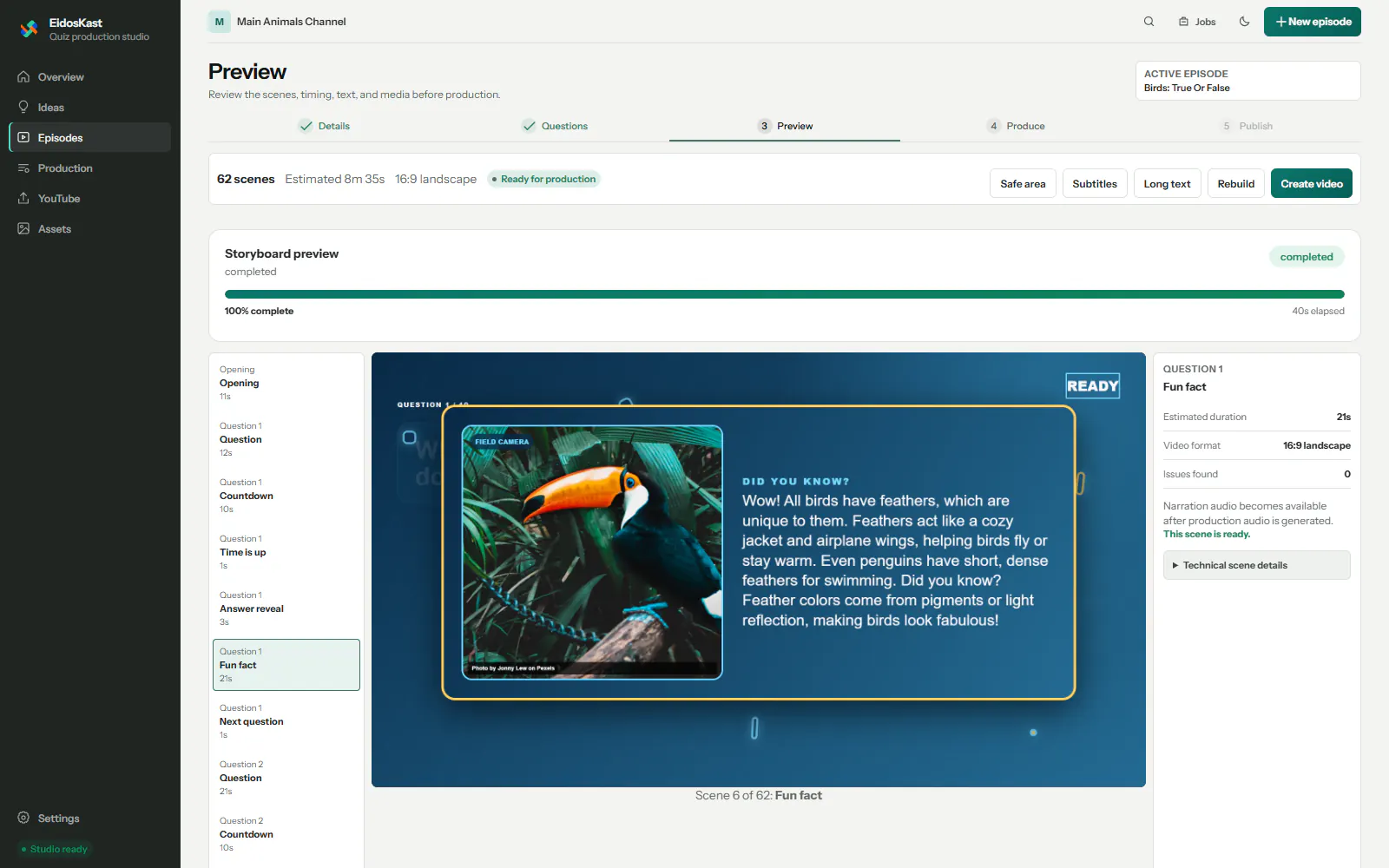
One guided workflow
Each stage stays visible and reviewable, so mistakes can be corrected before an expensive render.
Choose the topic, audience, language, question count, visual theme, and narrator.
Let AI draft the quiz, then approve questions, answers, explanations, and reveal direction.
Inspect the storyboard before EidosKast produces timed scenes, narration, music, and effects.
Check the final video, choose a thumbnail and title, then use assisted or direct YouTube handoff.
Built for repeat production
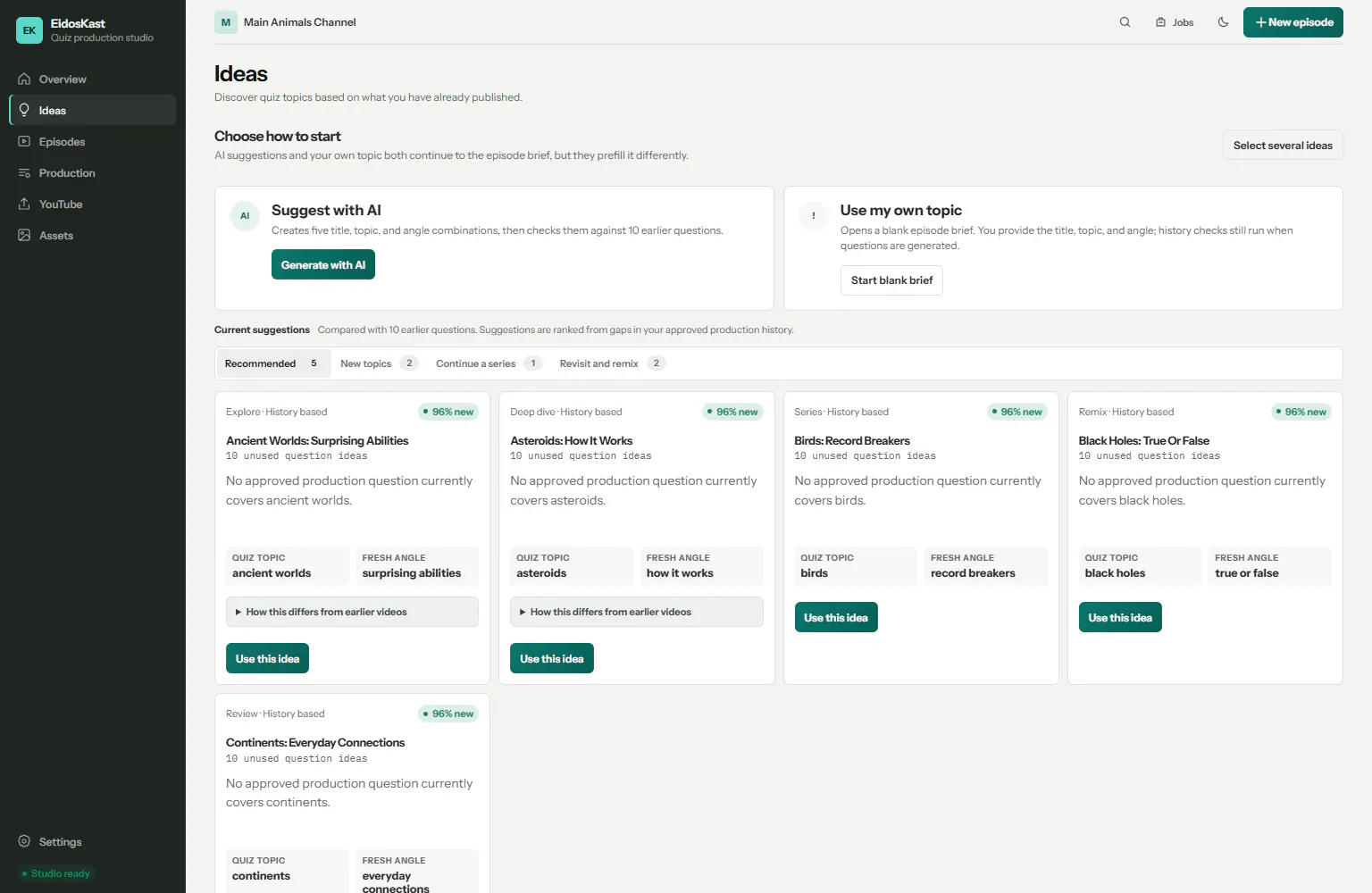
Idea suggestions compare new directions with earlier questions, helping future quizzes vary their topic, angle, title, and thumbnail direction instead of repeating the same formula.
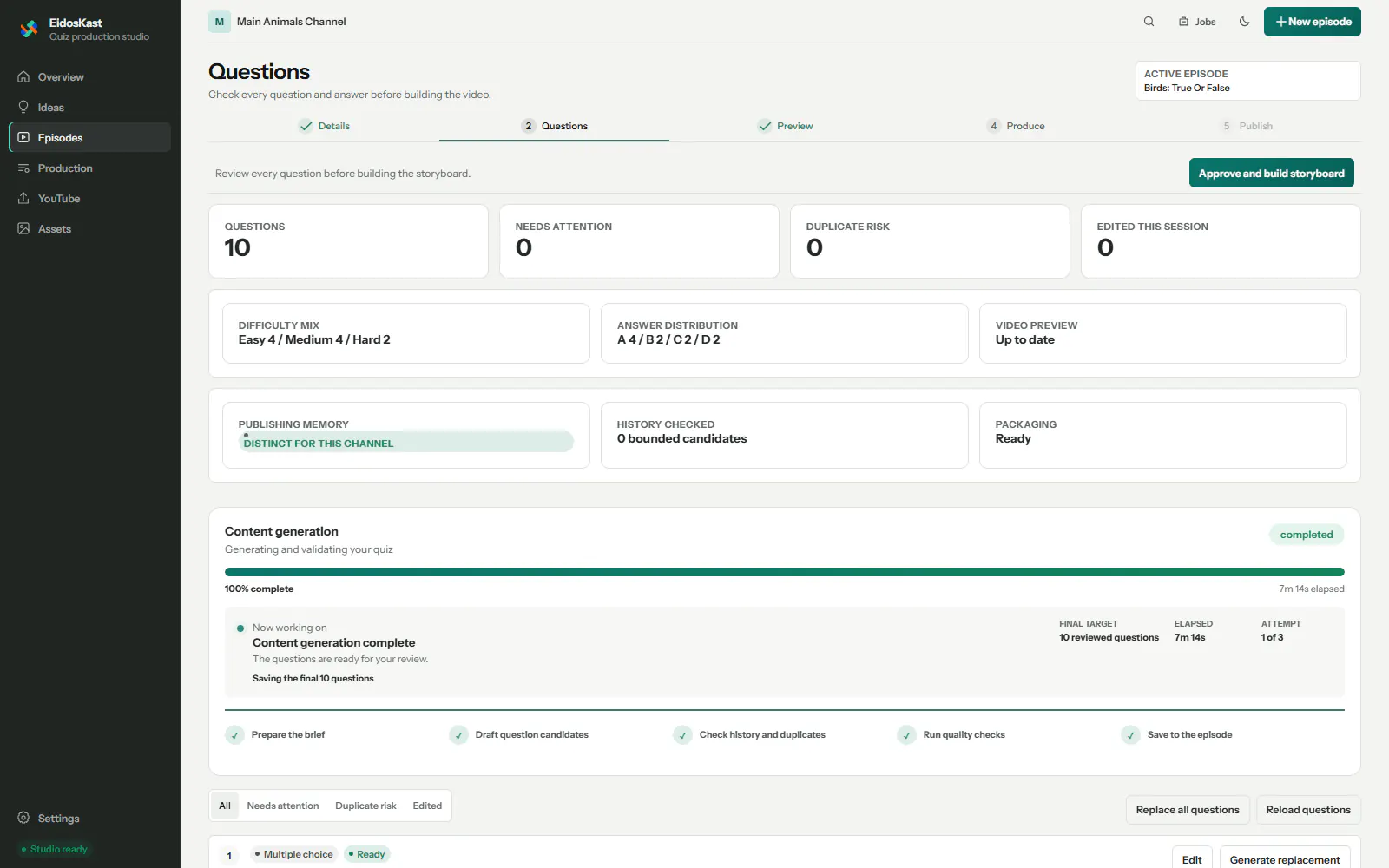
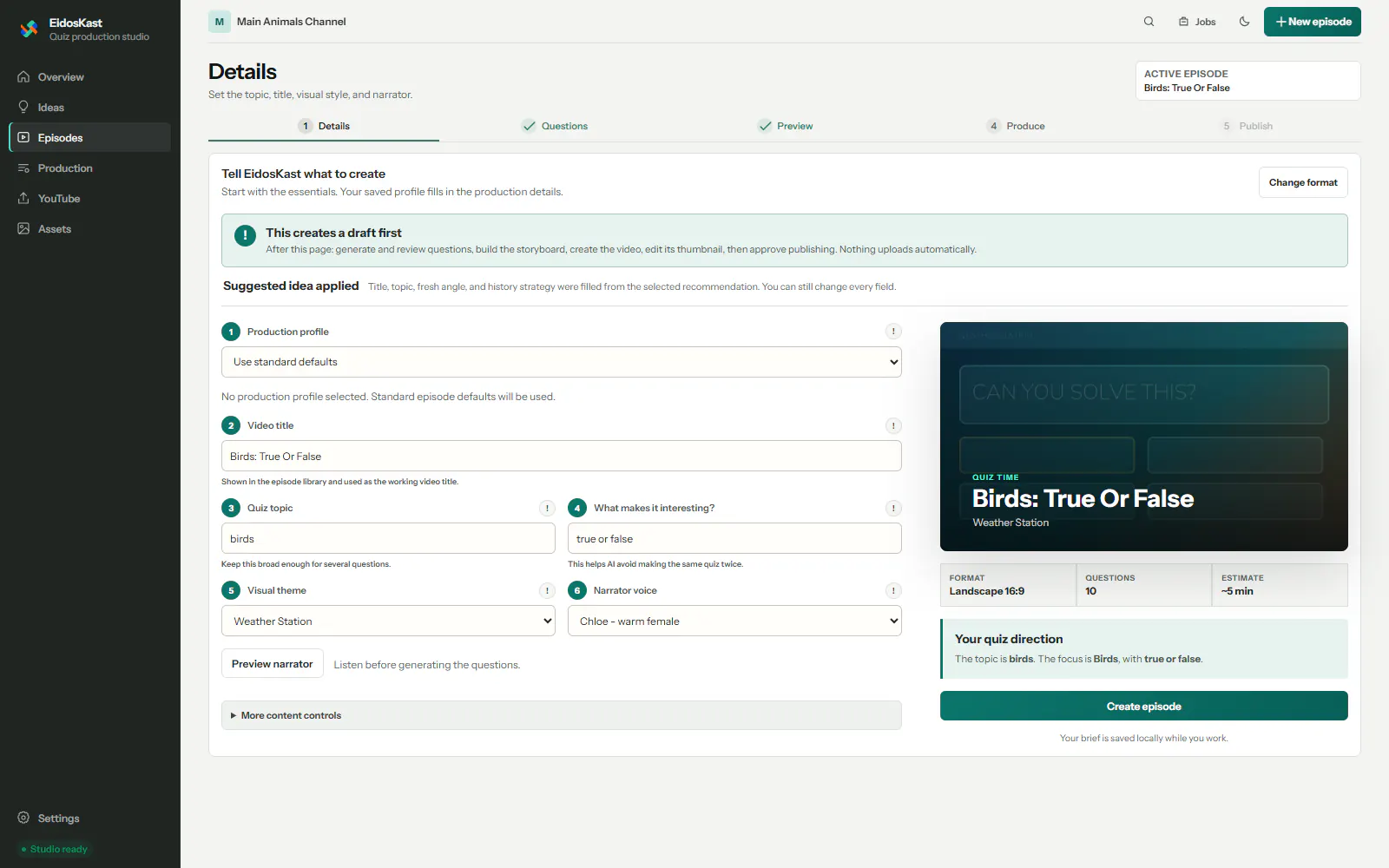
Start with intent
Start with a landscape or vertical format, then define the topic, angle, audience, theme, language, voice, and novelty strategy in a guided brief.
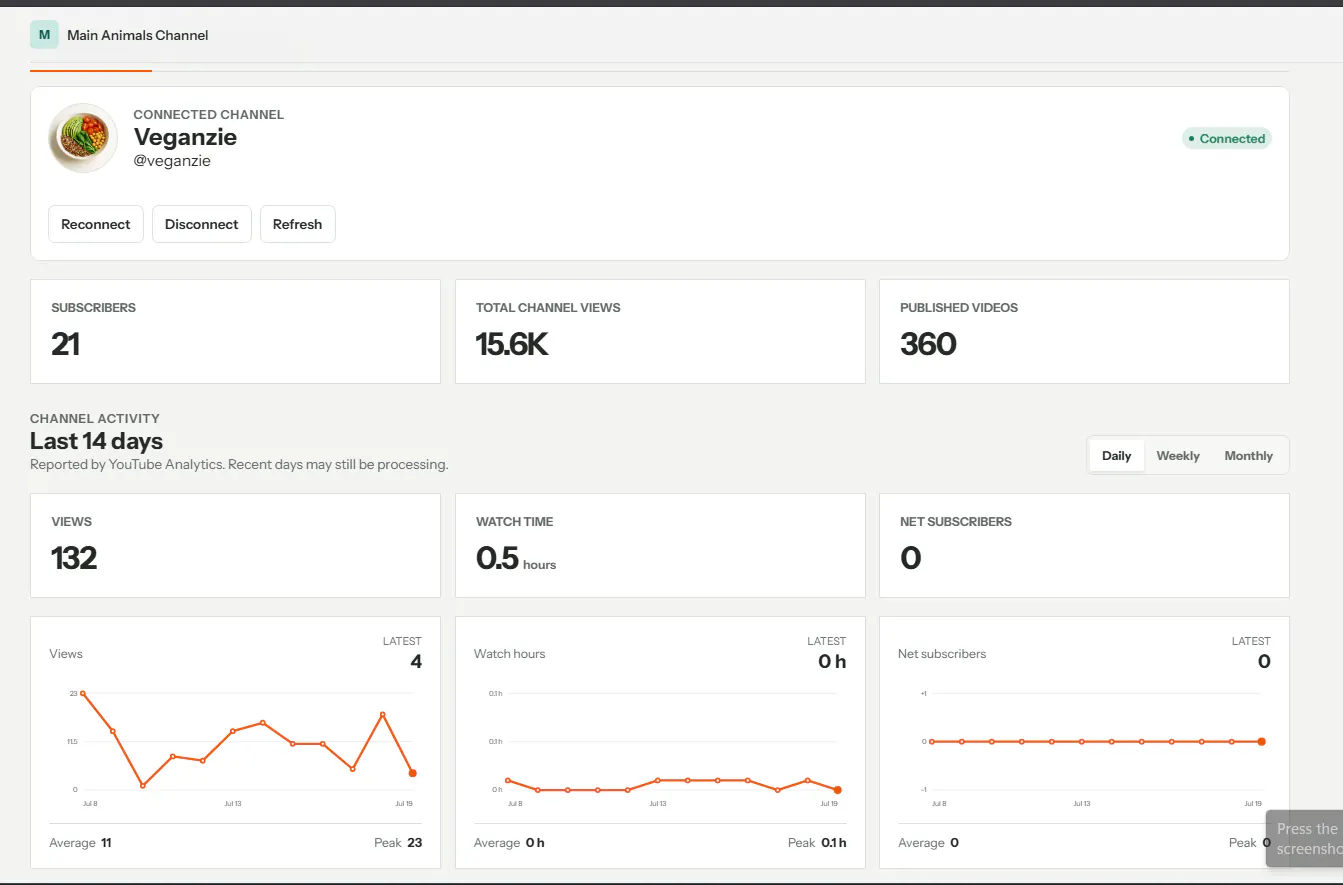
Channel-ready workflow
Connect a channel with your own Google OAuth project, inspect channel analytics, and approve the title, metadata, thumbnail, audience setting, privacy, and schedule before upload.
Quiz-native engine
AI-assisted questions, answers, explanations, editorial QA, and history-aware variation.
Distinct HTML/CSS themes with real countdown timing, answer reveals, transitions, explanation scenes, and outro.
EidosSpeech by default, optional BYO voice providers, plus BGM, SFX, ducking, and loudness control.
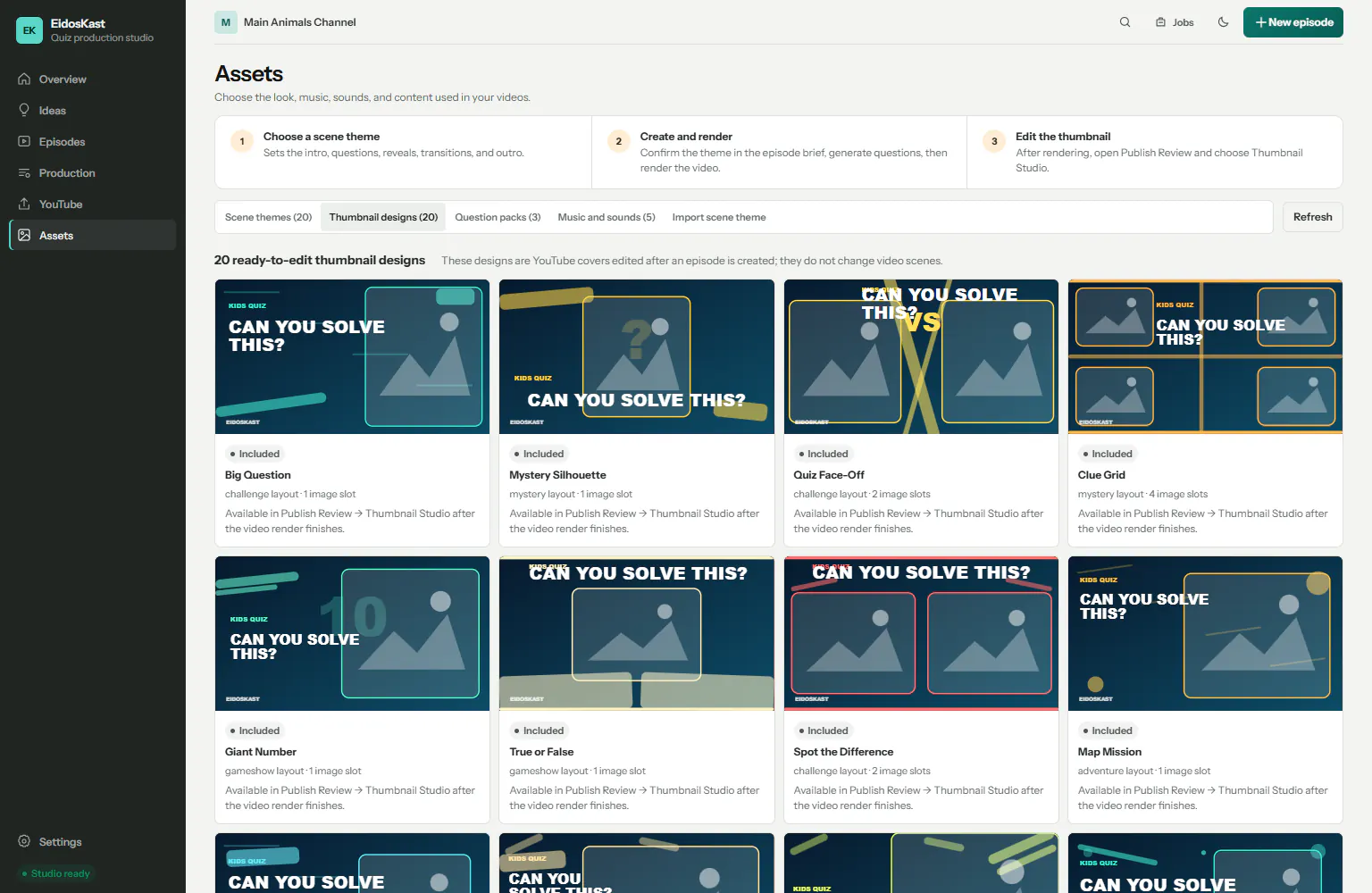
Twenty editable layouts with local text, image, crop, fit, layer, safe-area, and export controls.
Local rendering with progress, cancellation, checkpoints, and resume instead of restarting the episode.
Unique title options, descriptions, tags, thumbnail QA, compliance confirmations, and YouTube handoff.
One render, complete package
Licensed exports keep the files needed to review, archive, and publish an episode together.
Who it is for
Move from idea to a consistent long-form episode without a manual editing timeline.
Review the learning content and explanation before it becomes a finished video.
Keep episode history, production status, assets, and publishing decisions in one workspace.
Before you start
Access
$39.00
Package details follow the published product configuration.
Questions
No. It is a Windows desktop production studio with a local render engine and locally owned project files.
Yes. The workflow includes content review and QA before preview and render, so generated material is not published blindly.
No. A licensed output package can include the video, subtitles, thumbnails, publishing metadata, manifest, and attribution report.
Yes. After a publishing review, EidosKast supports assisted handoff and an automatic upload path through a connected EidosStack YouTube integration.
EidosSpeech is connected through the EidosStack license. Other AI and voice providers use credentials you supply, so provider usage terms and costs remain yours.